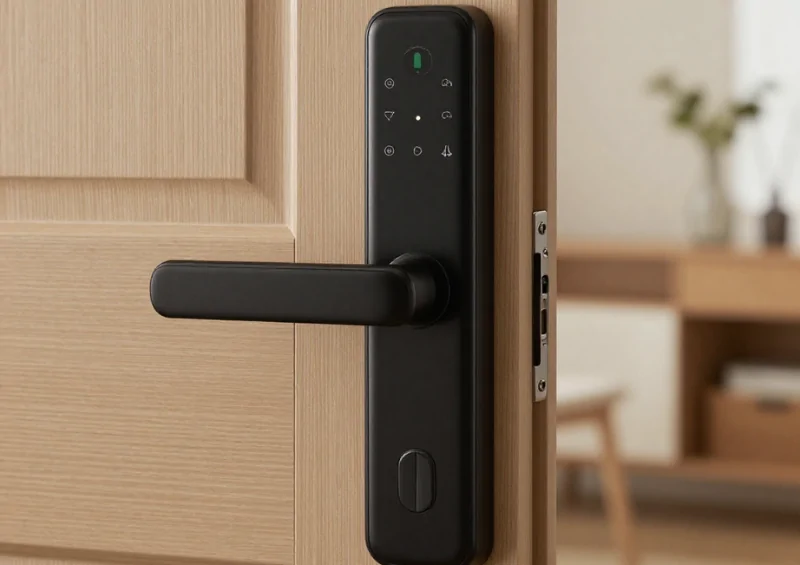

Poor product photos can weaken sales even when the product itself is competitive. Online shoppers can’t physically inspect an item, so images carry much of the responsibility for communicating appearance, size, texture, features, and condition.
Increasing advertising before improving weak visuals may send more visitors to a page that still fails to answer basic buying questions.
Understand What Customers Need to See
A single front-facing photo rarely provides enough information. Buyers may want to see the back, side, packaging, controls, connectors, materials, interior compartments, scale, or product being used.
Think about the questions someone might ask if they were holding the item in a store. Then use photography to answer those questions visually.
People studying business profit fundamentals should consider photography part of conversion performance. Product images aren’t merely decoration; they can influence whether existing traffic produces revenue.
Match Images to the Product Type
Clothing may require close-ups of fabric and fit. Furniture benefits from room-scale context and detail shots. Electronics may need clear images of ports, included accessories, and controls.
Photography should solve the uncertainty specific to the item instead of following one fixed template across an entire catalog.
Improve Clarity Before Adding Creative Effects
Customers generally need accurate product representation more than dramatic editing. Use adequate lighting, sharp focus, consistent framing, and enough resolution for shoppers to inspect relevant details.
Keep backgrounds from competing with the product. Lifestyle photos can provide useful context, but they should complement clear product views rather than replace them.
For stores considering ecommerce expansion approaches, consistent visual standards become especially useful as catalogs grow. A repeatable photography process can prevent quality from varying sharply between product pages.
| Photo Type | Main Purpose | Useful Detail |
|---|---|---|
| Main image | Immediate recognition | Clean full product view |
| Detail image | Reduce uncertainty | Texture or feature |
| Scale image | Show dimensions | Product in context |
| Use image | Explain function | Realistic setup |
Show Honest Scale, Color, and Condition
One major frustration in ecommerce occurs when the delivered product looks different from the listing. Photography should avoid exaggerating size, finish, or color.
Include measurements in the description and show scale visually when practical. Products with variations should display the selected color or style accurately rather than reusing one generic image.
Better visual accuracy can also support healthier product margins by potentially reducing avoidable returns caused by mismatched expectations. The financial value of photography isn’t limited to attracting clicks.
Optimize Images Without Slowing the Page
High-resolution photos are useful only if they don’t make browsing painful. Oversized image files can slow product pages, especially for customers using mobile connections.
Use web-friendly formats and appropriate compression while preserving important details. Load additional gallery images efficiently so customers can inspect the product without waiting unnecessarily.
Keep Image Order Logical
Lead with the strongest overview, then move into important angles, features, scale, and usage. Random ordering forces customers to search for information.
A logical sequence works almost like a silent product demonstration.
Common Photography Mistakes That Hurt Trust
Heavy filters can make products look polished while reducing accuracy. Stock images can also create problems if they don’t match the exact model or variation being sold.
Another mistake is hiding flaws or practical limitations. Customers usually prefer an accurate expectation over an idealized image that causes disappointment later. Good photography helps people decide whether the product suits them, including when the answer is no.
Frequently Asked Questions
How many images should a product page have?
There isn’t one ideal number. Use enough images to answer meaningful visual questions without adding repetitive shots. Complex, wearable, configurable, or high-consideration products usually need more visual detail than simple everyday items.
Are lifestyle photos better than plain product photos?
They serve different purposes. Clean images make the product easy to inspect, while lifestyle images show scale, use, or context. Many stores benefit from combining both rather than choosing only one approach.
Should online stores replace manufacturer images?
Not necessarily. Accurate manufacturer images can be useful, but original photography may help show real packaging, scale, local variations, or practical details that standard promotional images don’t capture.
Improve the Visual Evidence First
Advertising can bring shoppers to a product page, but photography helps them understand what they would actually receive.
Review your most visited products and ask whether their images clearly show important angles, details, size, and use. Fix the visual gaps before spending more to attract additional visitors to the same uncertainty.